


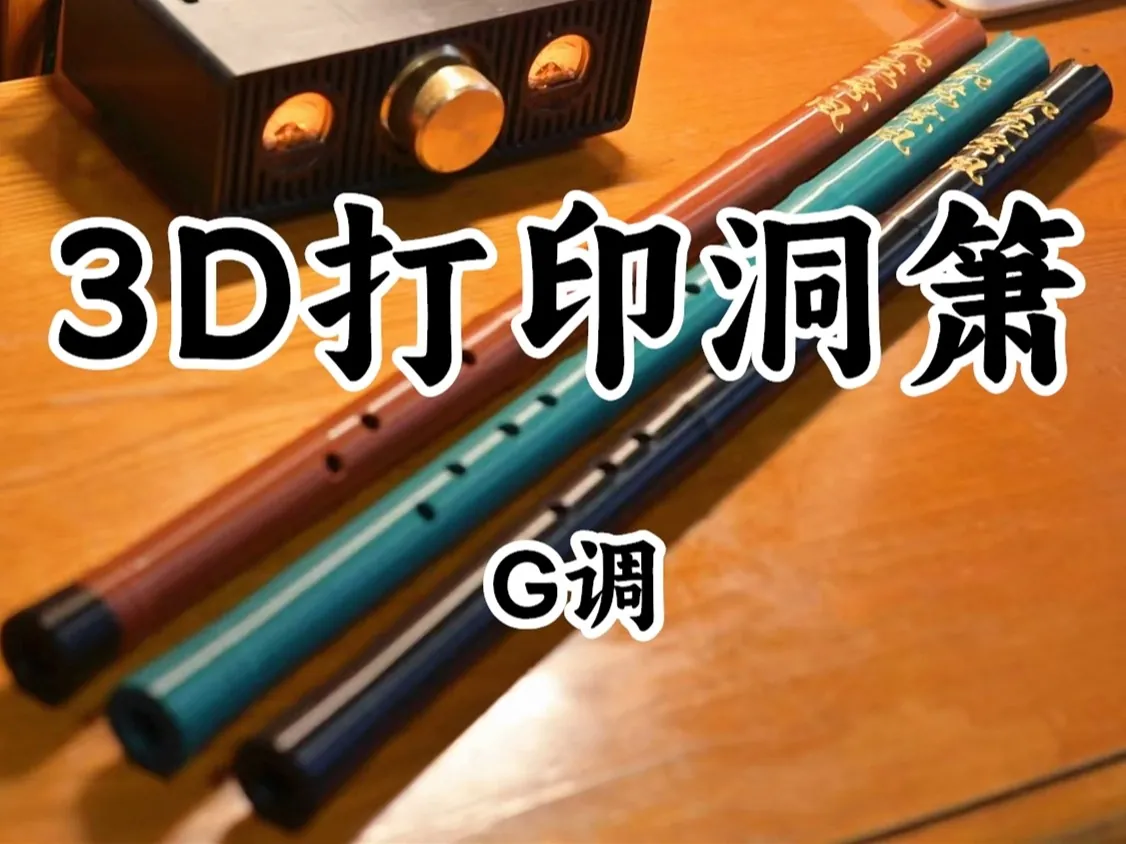
About the xiao
The xiao (箫), also called the dongxiao (洞箫), is the Chinese end-blown flute: you blow across a notch cut in the top end, a little like a shakuhachi. It has a soft, breathy, mellow voice. This is the designer's own model in G with eight finger holes and a short tail. They kept the traditional tone but enlarged the bore and made it conical.
The flute is split into four sections that push together, so every part fits on the small bed of a Bambu Lab A1 mini. The section with the first hole can be turned, so you can set the flute up to play left- or right-handed. The designer printed it in PETG (R3D PETG and Tianrui PETG-eco both worked) and suggests using the AMS to give the tail or other sections a different colour.
The designer says it plays well enough for fun or for practising fingerings. If you want to study the xiao seriously, they recommend buying a professional instrument. A basic fingering chart was added in March 2025 as the seventh picture on the design page. The page is one of MakerWorld's most popular instruments, and another user has posted a print profile with an alternative mouthpiece that is easier to play.
What you'll need
Printed parts
- 4 flute sections (G调洞箫1–4)
- Optional: the alternative, easier mouthpiece from another user's print profile
Bought parts
- Nothing
Tools
- A 3D printer (an A1 mini is big enough)
Build overview
Our own summary of the designer's notes, which are in Chinese on the MakerWorld page.
- Print the four sections. The designer's profile uses PETG and weighs about 206 g. On an A1 mini, turn off flow-rate calibration: the designer found it caused unexplained pauses.
- Watch the bed adhesion. Tall, thin parts can fall over if they don't stick well. On a full-size A1, print in silent mode.
- Push the sections together. Turn the first-hole section so the holes suit the hand you lead with.
- Learn the fingerings. Use the basic fingering chart (seventh picture on the design page).
Print settings
- Material: PETG (R3D PETG or Tianrui PETG-eco in the designer's tests)
- Printer: Tested on the Bambu Lab P1S and A1 mini; use silent mode on the A1
- Weight: About 206 g of filament (designer's profile)
- Tip: Turn off flow-rate calibration on the A1 mini
Video
Demo video on Bilibili linked from the design page
Photos
More of the designer's photos are on MakerWorld. See them on MakerWorld ↗