
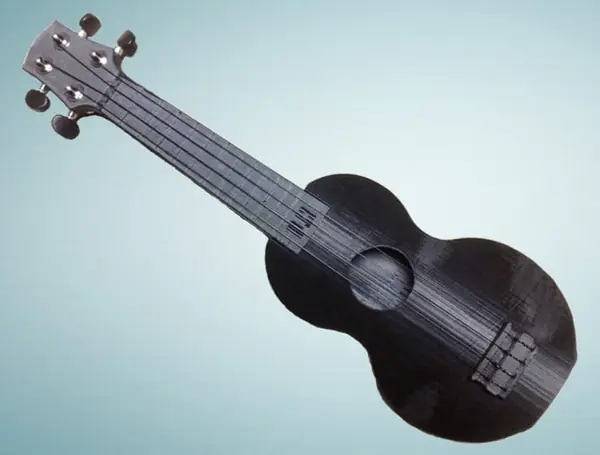
About the Playable Ukulele (Solstie)
One of the best-known printed ukuleles, with thousands of likes on Thingiverse. It's a full-size soprano that prints without supports and uses standard tuning machines and strings. It took many iterations. The curved body adds strength and resists warping, and inner bracing helps prevent delamination. The designer had played his first print for years without problems.
What makes it stand out is the documentation. The designer, Solstie, wrote an 11-step Instructables guide with a short video for nearly every step, covering choosing files, printing, gluing, fitting tuners, stringing and tuning. Split files for smaller printers have guides and tabs that help you line the halves up when you glue them. The V15 neck has rounded frets, smaller tuner holes and repositioned frets that stay in tune better, and there's an optional printed button for the tuning pegs.
Who it's for. A good first big instrument print. You need a bed of at least 7 × 3 in; the one-piece parts need 11 in of height, and the two-piece files only 6 in. The guide recommends PLA for a first attempt. ABS sounds better, the designer says, but it cracks if it cools too fast and needs a heated enclosure.
Sound and playability. A printed soprano won't match a good wooden ukulele, but the designer's videos show a perfectly playable instrument. Neck alignment matters: if the neck sits at an angle on the body, the strings won't meet the frets properly, so take your time with the glue-up. We haven't built one ourselves, so treat this as a summary of the sources.
What you'll need
Printed parts
- Neck and body, as one piece each or as upper and lower halves
- Optional: printed tuning peg buttons
Bought parts
- 4 standard guitar or ukulele tuning machines (left- and right-handed)
- Soprano ukulele strings
- About 1 kg of PLA or ABS (you use just over half)
- Superglue
Tools
- A Phillips screwdriver and a 10 mm wrench for the tuners
- Sandpaper
- Optional: pliers, a file and a craft knife
- A tuner, or another reference pitch
Build overview
Our own outline of the designer's Instructables guide, which has photos and a short video for each step.
- Pick your files. Use the one-piece neck and body if your printer has 11 in of height; otherwise use the two-piece top and bottom files, which need 6 in.
- Print the neck. 50% infill and 3 perimeters, so it can take the string tension. No supports needed; with PLA, use good part cooling so the overhanging frets form cleanly.
- Print the body. 50% infill with 3–4 perimeters. Don't use supports inside the one-piece body (you can't get them out); on the two-piece body they can tidy up the curved bottom and the sound hole.
- Glue the halves (two-piece files only). Do the body first for practice. Clean out any support, rough up the mating faces with coarse sandpaper, dry-fit, then superglue and hold for 30–60 seconds. For the neck, sand the guides until the back joint is perfectly flush.
- Join neck and body. Trim and sand the joint until the neck slides fully home without forcing it, then glue it flat against the back and bottom of the body.
- Fit the tuners. Push each tuner up through its hole from the back, with the small tab on the inside, and tighten the cap nut from the front. Optionally swap in printed peg buttons.
- String and tune. Tie each string through the bridge with a looped knot, wind it on its tuner, then tune to G, C, E, A. New strings stretch, so expect to retune often at first.
Print settings
- Neck: 50% infill, 3 perimeters, no supports
- Body: 50% infill, 3–4 perimeters
- Material: PLA recommended; ABS only in a heated enclosure
- Peg buttons: 100% infill, PLA with plenty of cooling
- Build volume: 7 × 3 in footprint; 11 in tall (one-piece) or 6 in (two-piece)
Videos
 Play video: Make a 3D-printed ukulele: introduction (loads YouTube)
 Play video: 3D-printed playable ukulele (loads YouTube)
Nothing loads from YouTube until you press play. Video thumbnails are © their creators.
Photos
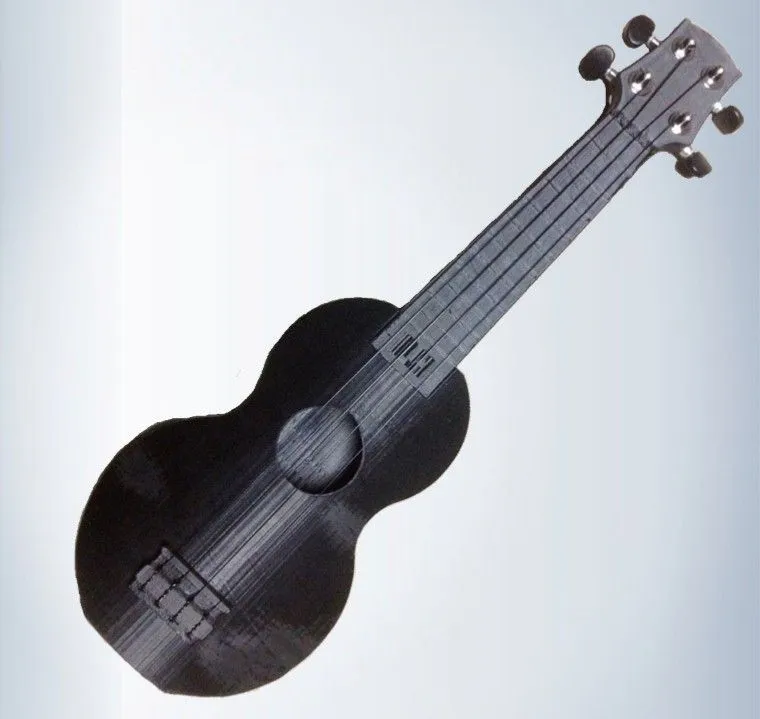
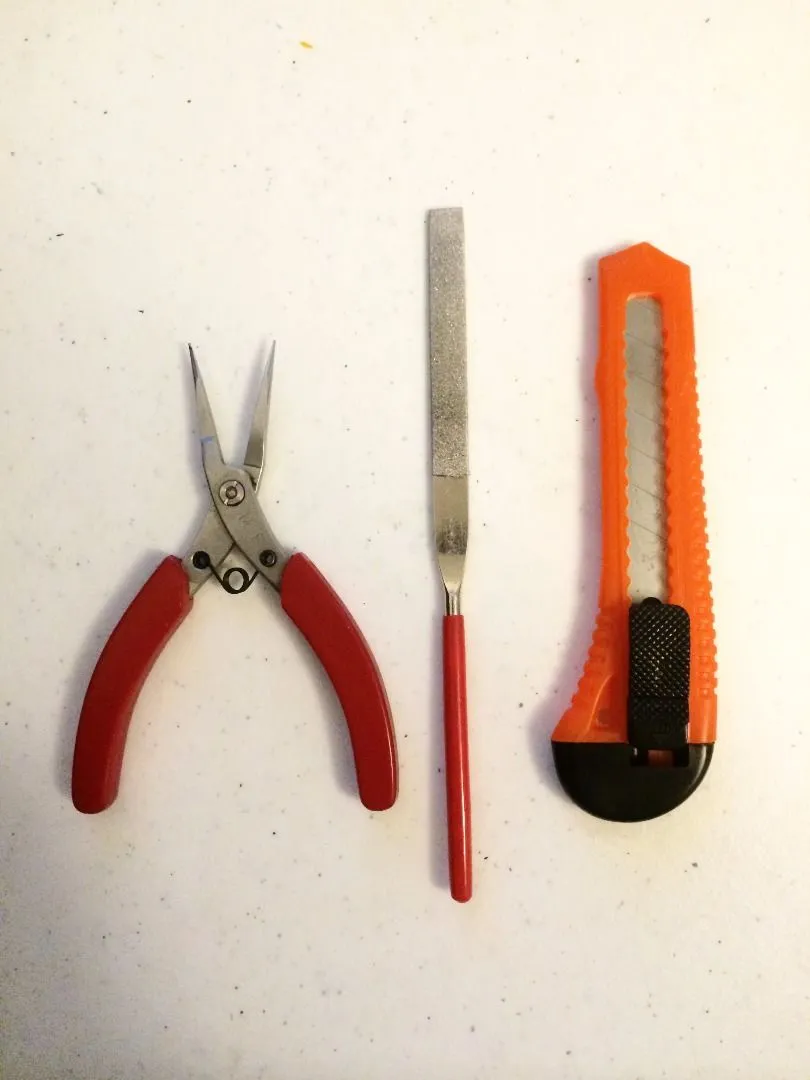
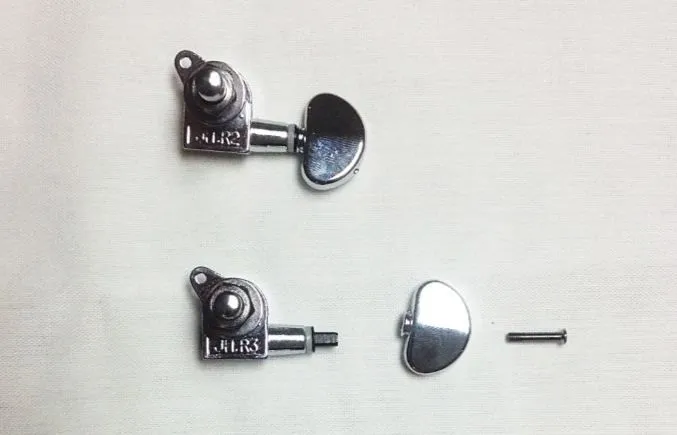
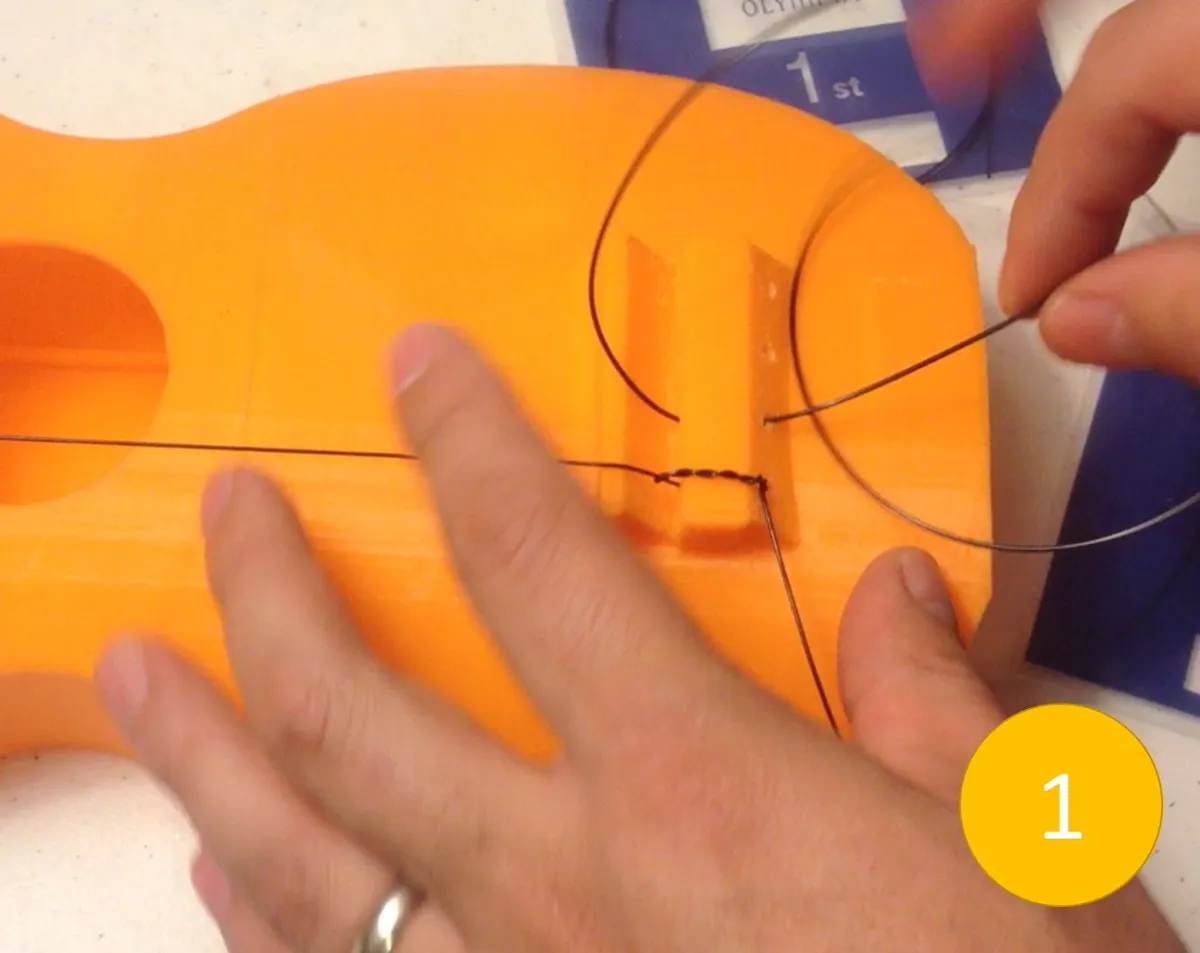
All photos: Solstie, from the Instructables guide, licensed CC BY-NC. We resized them and converted them to WebP.
Thingiverse doesn't let us fetch its gallery, so the photos stay on Thingiverse. See them on Thingiverse ↗