
About the Open E-Drums
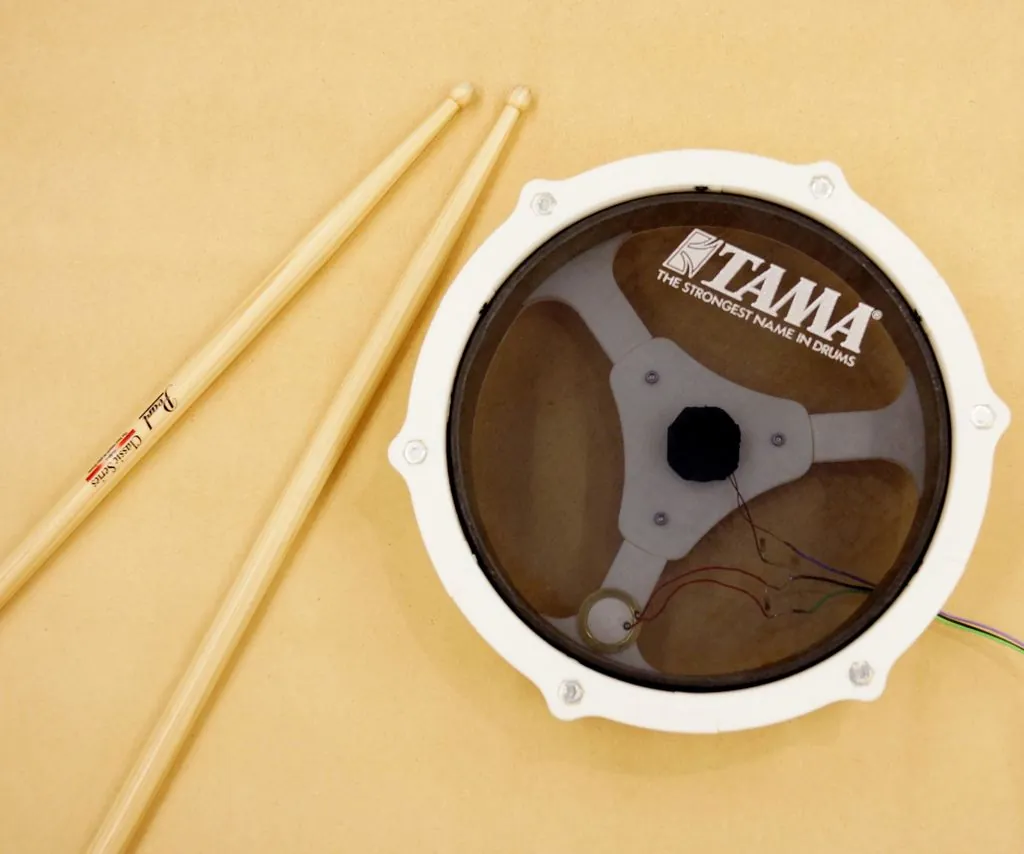
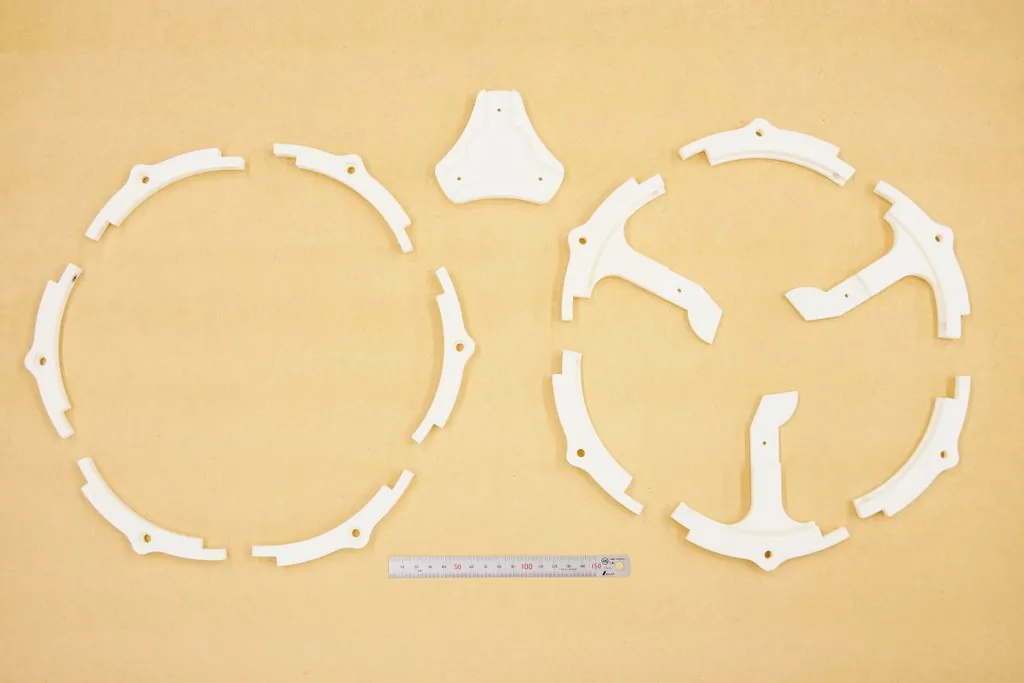
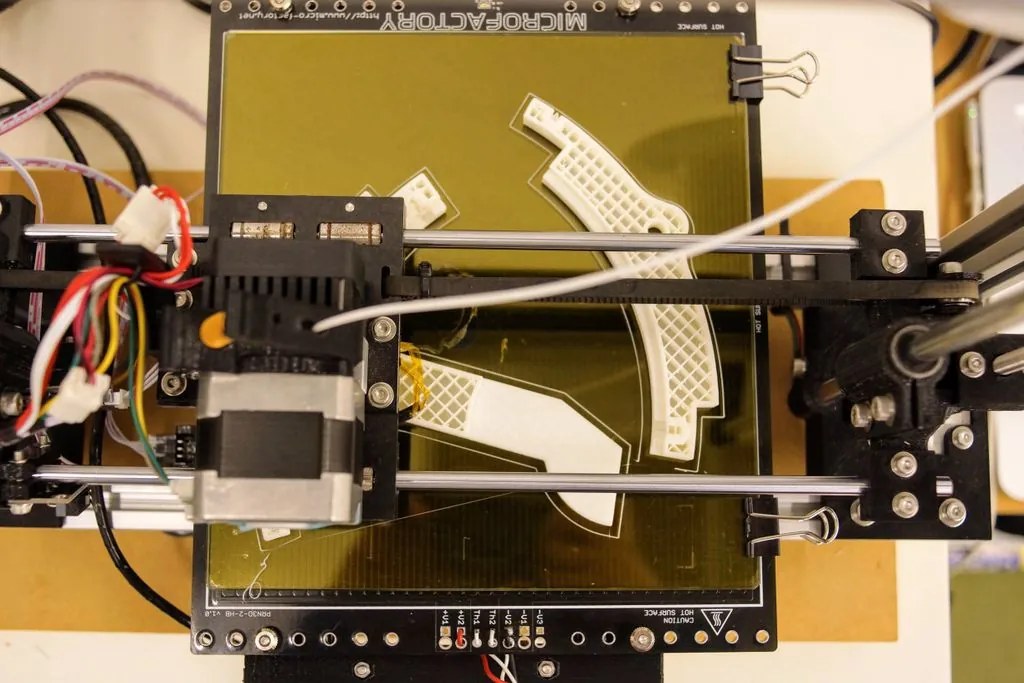
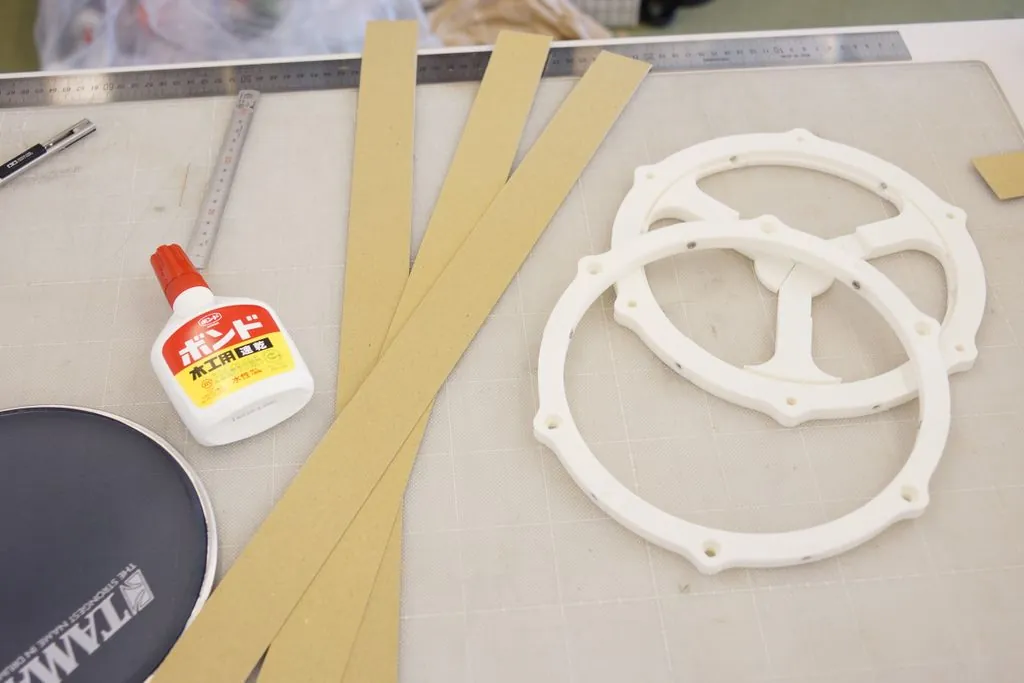
Open E-Drums is Ryo Kosaka's project to build electronic drums at home. This Instructables guide covers the first piece, an 8-inch pad. The rim and the bottom frame are printed in small segments so they fit a printer with only a 120 × 120 mm bed, and the joints are designed to be hard to see. The shell isn't printed: it's three bands of 1 mm thick paper glued together, which the designer found quicker than printing and surprisingly solid once dry.
Inside, a piezo sensor sits under a sponge cone that touches the mesh head, and an optional second piezo picks up rim hits. Both go to a 6.3 mm jack, so the pad plugs straight into a drum sound module. The designer tested it with a Roland TD-10. Without a module, you can read the piezo with an Arduino. The designer later published Arduino code on GitHub and a separate Instructables guide to a minimal drum kit.
On Cults3D and Thingiverse the designer also shares a 10-inch version of the pad, an 8-inch bass-drum pad (Ver.2) on stainless-steel legs and a hi-hat controller prototype that uses a force-sensitive resistor. He tested the hi-hat with the TD-10 only. A later Thingiverse upload has a fully printed 6–12 inch pad, with the shell printed together with the bottom part. We've grouped them all here as one project.
Who it's for. Drummers and makers who want quiet practice pads or a starter e-kit for the cost of a mesh head, a few bolts and some piezos, and who don't mind some soldering. We haven't built one ourselves, so treat this page as a summary of the designer's guide, not a review.
What you'll need
Printed parts
- 6 rim segments
- The bottom frame (two parts, three of each) and the part that joins them
- The sensor plate (in the 10-inch files)
- A tuning key (in the 10-inch files)
Bought parts
- An 8-inch mesh drum head
- 15 × M3 × 10 mm bolts and nuts
- 6 × M6 × 50 mm bolts and nuts
- 1 or 2 piezo sensors (one for the head, one for the rim)
- 1 mm thick paper (card) and glue for the shell
- Sponge for the trigger cone (the designer stacked 10 mm natural-rubber sponge)
- A 6.3 mm jack plug, if you use a sound module
- An Arduino UNO and 1 MΩ resistors, if you don't
Tools
- A 3D printer with at least a 120 × 120 mm bed
- Scissors or a craft knife
- Clothes pegs to hold the shell while the glue dries
- A soldering iron
- Double-sided tape for setting the cone height
From the 8-inch pad guide. The 10-inch pad uses 8 × M6 × 70 mm, 16 × M3 × 10 mm and 4 × M3 × 25 mm bolts, per its Cults3D page.
Build overview
Our own outline of the designer's guide. The full steps and photos are on Instructables.
- Print the parts. Print six rim segments, the bottom frame parts and the joining piece. The files are on Thingiverse.
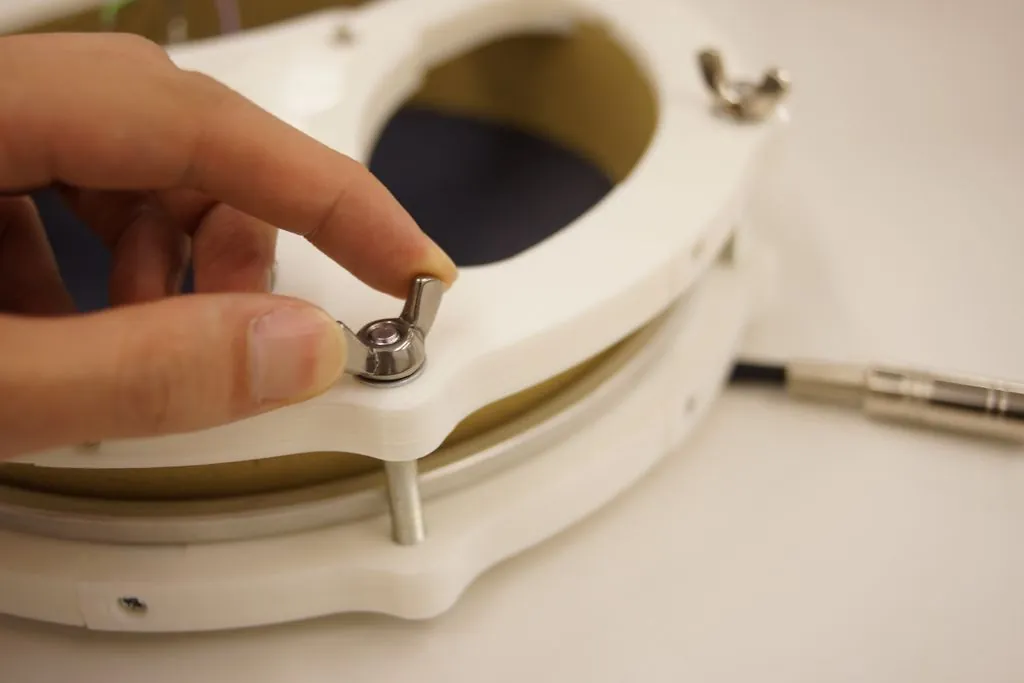
- Assemble the frame. Bolt the rim and bottom segments together, following the photos.
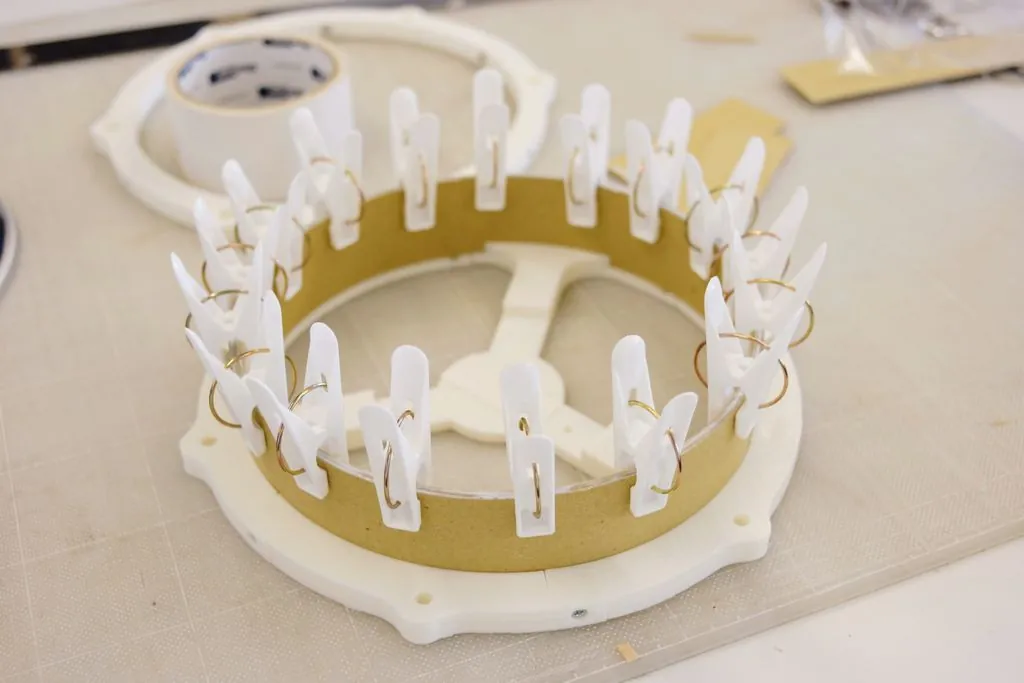
- Make the shell. Cut three 55 mm wide bands of 1 mm paper. Fit each one into the gap at the bottom, trim it to a perfect circle, then glue the three layers together and hold them with clothes pegs until dry.
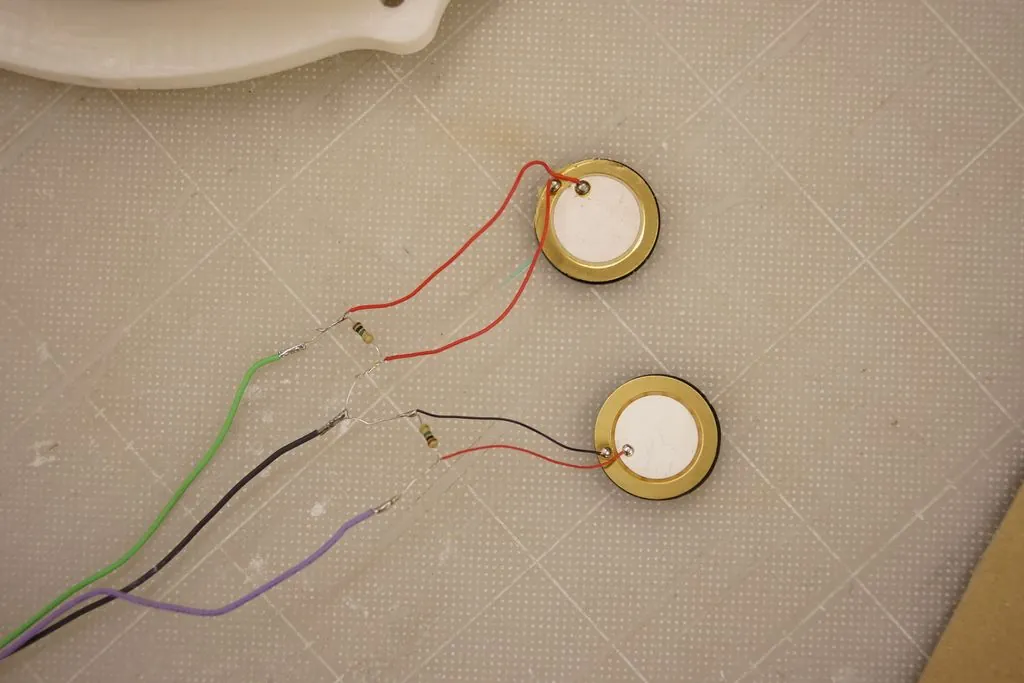
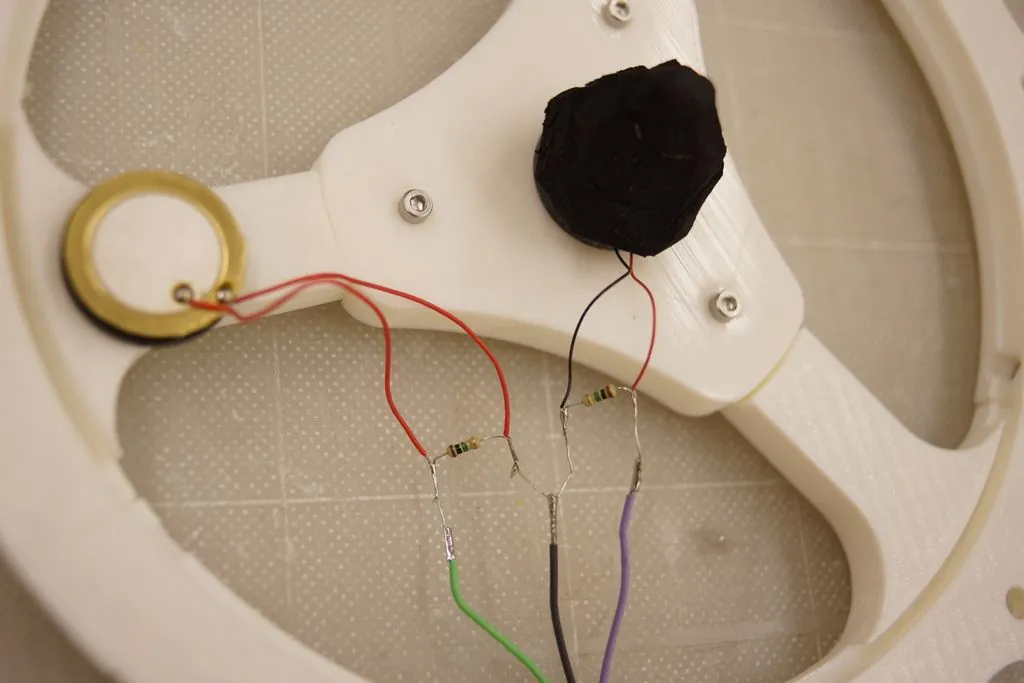
- Wire the piezos. Connect the head piezo to the tip of a 6.3 mm jack, the rim piezo (if you use one) to the middle ring, and ground to the sleeve. For an Arduino, add a 1 MΩ resistor; most sound modules have one built in.
- Build the trigger. Fix the head piezo in the centre of the bottom part and the rim piezo near the shell. Put a sponge cone on the head piezo so it stands about 3 mm above the shell, using tape to adjust the height.
- Tune and play. Fit the mesh head, tighten it to the feel you like, and plug it into a sound module or an Arduino.
Print settings
- Bed size: 120 × 120 mm is enough for the 8-inch pad
- Layers: 0.3 mm (10-inch pad and hi-hat, per Cults3D)
- Infill: 20% for the pads and hi-hat; 50% for the bass-drum pad
- Supports: Yes, for the 10-inch pad and hi-hat
- Material: Not stated
Videos
 Play video: The 10-inch snare pad (loads YouTube)
 Play video: The 8-inch pad with a Roland TD-10 (loads YouTube)
 Play video: The 8-inch pad with an Arduino UNO (loads YouTube)
 Play video: The 10-inch pad with an Arduino (loads YouTube)
Nothing loads from YouTube until you press play. Video thumbnails are © their creators.
Photos
All photos: Ryo Kosaka, from the guide on Instructables, licensed CC BY-NC-SA. We resized them and converted them to WebP.