
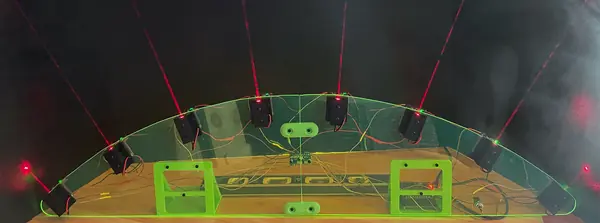
About the laser harp
A laser harp is an electronic instrument with beams of light where the strings would be: block a beam with your hand and it plays a note. This version, by Blitz City DIY, was published as a full Adafruit Learning System guide. The Printables page holds the files: STLs for the printed brackets and stands, plus DXF and SVG outlines for the acrylic arch that everything mounts on.
There's a neat trick in how it works. Instead of putting a light sensor opposite each laser, each "string" is a small time-of-flight distance sensor mounted right next to a red laser module. The lasers are just there so you can see where to play. Because the sensor measures how far away your hand is, not just whether the beam is broken, the code can turn distance into MIDI expression such as modulation, sustain and velocity. An I2C multiplexer lets all eight identical sensors share one bus.
Sound comes from a Music Maker FeatherWing, which has a built-in MIDI synth with a long list of instrument voices that you choose in the CircuitPython code. The Feather can also send MIDI over USB to drive a software synth on your computer.
Who it's for. Makers who are comfortable soldering small boards and following a wiring diagram, and who can cut acrylic or get it laser-cut. The guide says the acrylic can also be cut by hand using the files printed on paper as a template. The printing itself is the easy part: every printed piece prints without supports.
Safety. The guide uses 5 mW red laser diodes (Class IIIa). Don't look into the beams or point them at people. We haven't built one ourselves, so this page is a summary of the guide, not a review.
What you'll need
Printed parts
- 8 brackets, one per laser and sensor (they set the sensor level with the laser)
- 2 stands to hold the acrylic upright (one has holes for the FeatherWing Doubler)
- Acrylic joiners, only if you cut the arch from two smaller sheets
Bought parts
- A Feather RP2040 or Feather M4 Express
- A Music Maker FeatherWing (MIDI synth and audio out)
- A TCA9548A I2C multiplexer
- 8 VL53L4CD time-of-flight sensors and 8 STEMMA QT cables
- 8 red laser diode modules (5 mW, 650 nm) and 8 fixed laser mounts
- A FeatherWing Doubler and a mini toggle switch for the lasers
- M2.5 screws, nuts and standoffs; silicone hook-up wire and heat-shrink
- An 18 × 24 in sheet of 1/8 in acrylic
Tools
- A soldering iron
- A laser cutter or CNC for the acrylic, or hand tools and a paper template
- A computer to load CircuitPython and the code
- Headphones or a powered speaker for the Music Maker's audio out
Build overview
Our own outline of the build. The Adafruit guide has the full wiring diagram, photos for every step and the code.
- Cut the acrylic. Cut the arch from one large sheet, or from two smaller pieces using the split files, by laser cutter, CNC or by hand with a printed paper template.
- Print the parts. Print the eight brackets, the two stands and, if needed, the joiners. None of them need supports.
- Build the frame. If your arch is in two pieces, join them with the printed connectors and M2.5 screws. Screw the two stands to the back of the acrylic.
- Mount the lasers and sensors. For each string, line up a laser mount and a printed bracket with the holes in the acrylic, feed the laser's wires through, and fix them with three M2.5 screws and nuts. Screw a VL53L4CD board to the top of the bracket with four more. Repeat seven times.
- Wire it up. Chain the sensors' power with STEMMA QT cables and connect each sensor's data lines to its own channel on the TCA9548A multiplexer. Wire all the lasers to the toggle switch. Plug the Feather and the Music Maker FeatherWing into the Doubler.
- Load the code and play. Install CircuitPython and the project code, pick an instrument voice in the code, plug in headphones or a speaker, and switch on the lasers.
Print settings
- Supports: None needed for any printed part
- Material: not stated; PLA is fine for small brackets like these
- Acrylic: 1/8 in (3 mm) sheet, 18 × 24 in, or two smaller pieces
Videos
 Play video: MIDI Laser Harp with Time of Flight Distance Sensors (loads YouTube)
 Play video: Two synth voices demo (loads YouTube)
Nothing loads from YouTube until you press play. Video thumbnails are © their creators.
Laser Harp Demo (YouTube) a short demo from the guide
Photos
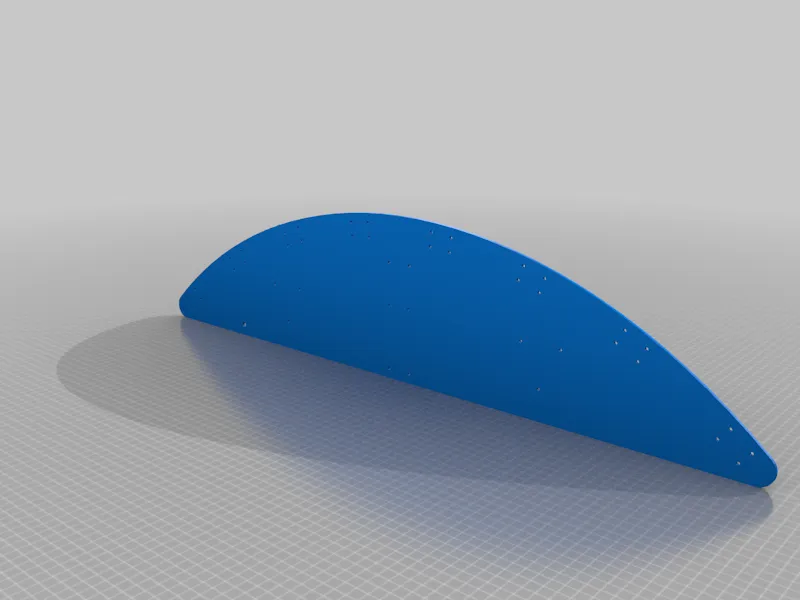
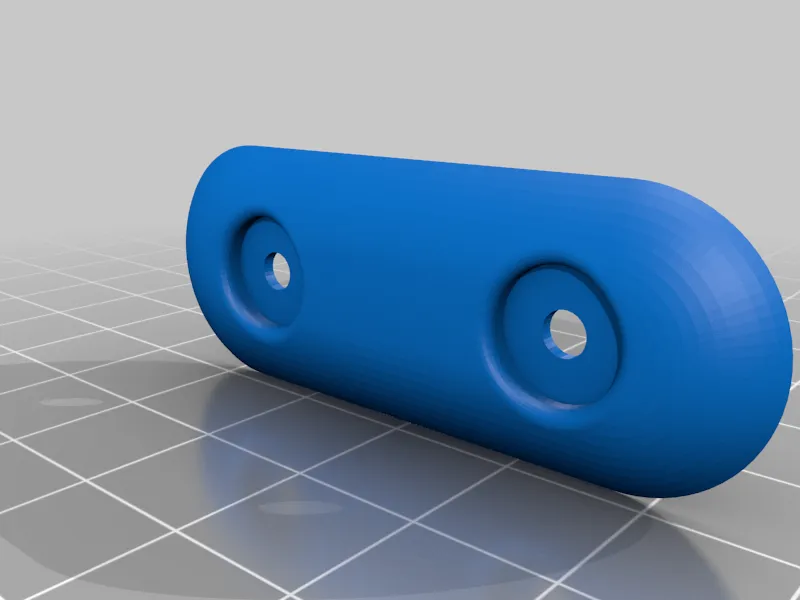
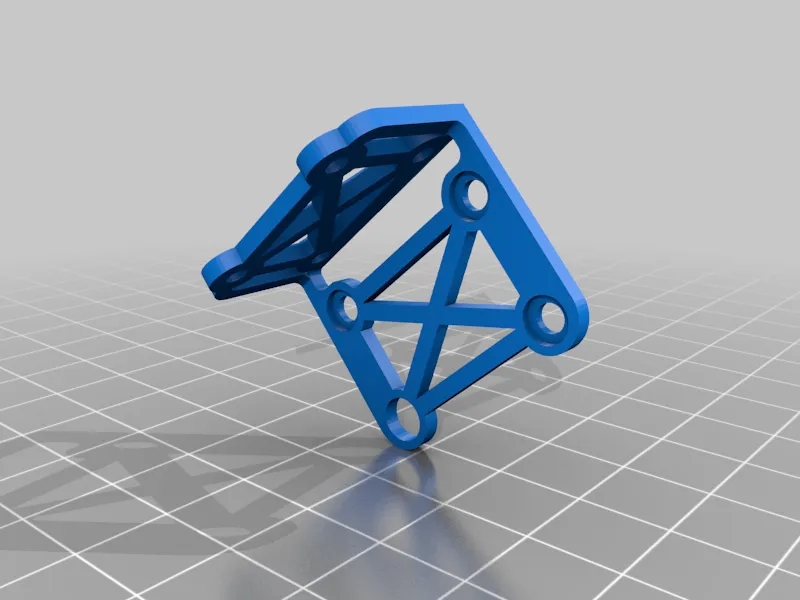
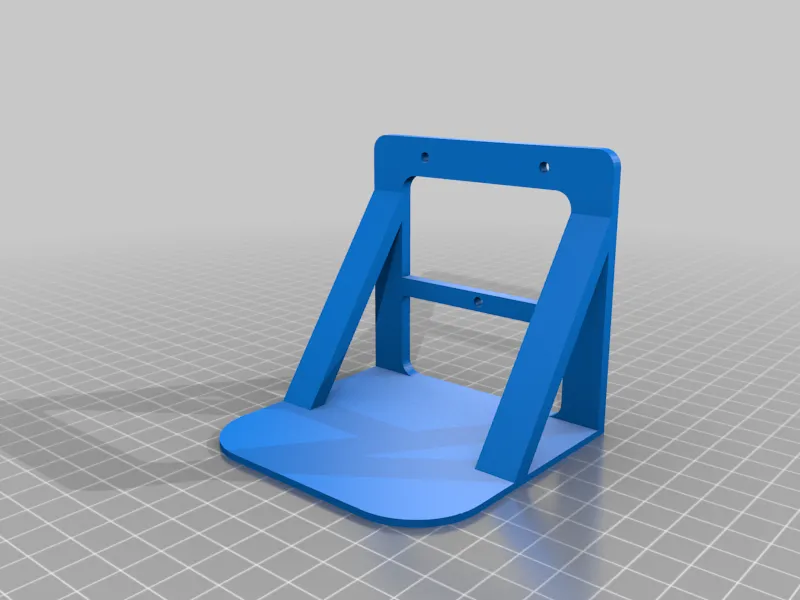
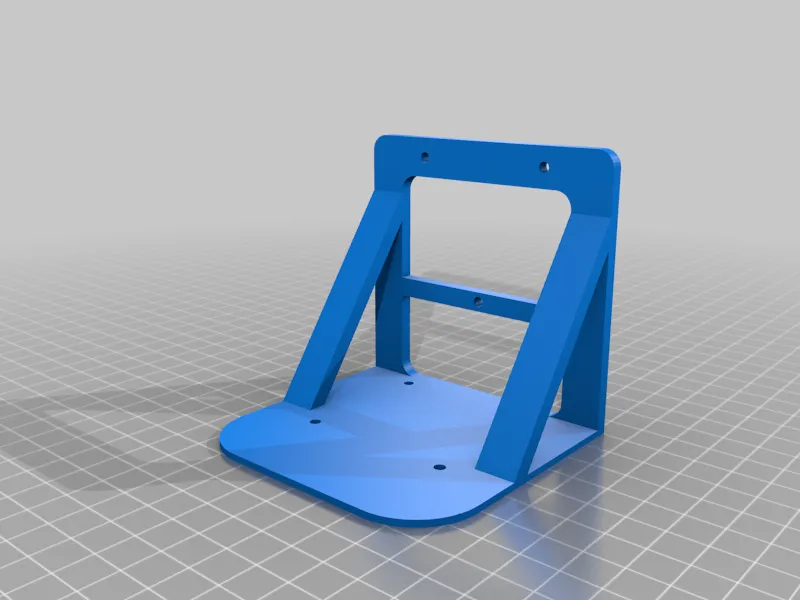
All photos: Blitz City DIY, from the design page on Printables, licensed CC BY-NC-SA. We resized them and converted them to WebP.
These are the designer's renders of the printed parts from Printables. The photos of the finished harp in the Adafruit guide aren't under a Creative Commons licence, so we link to them instead.