
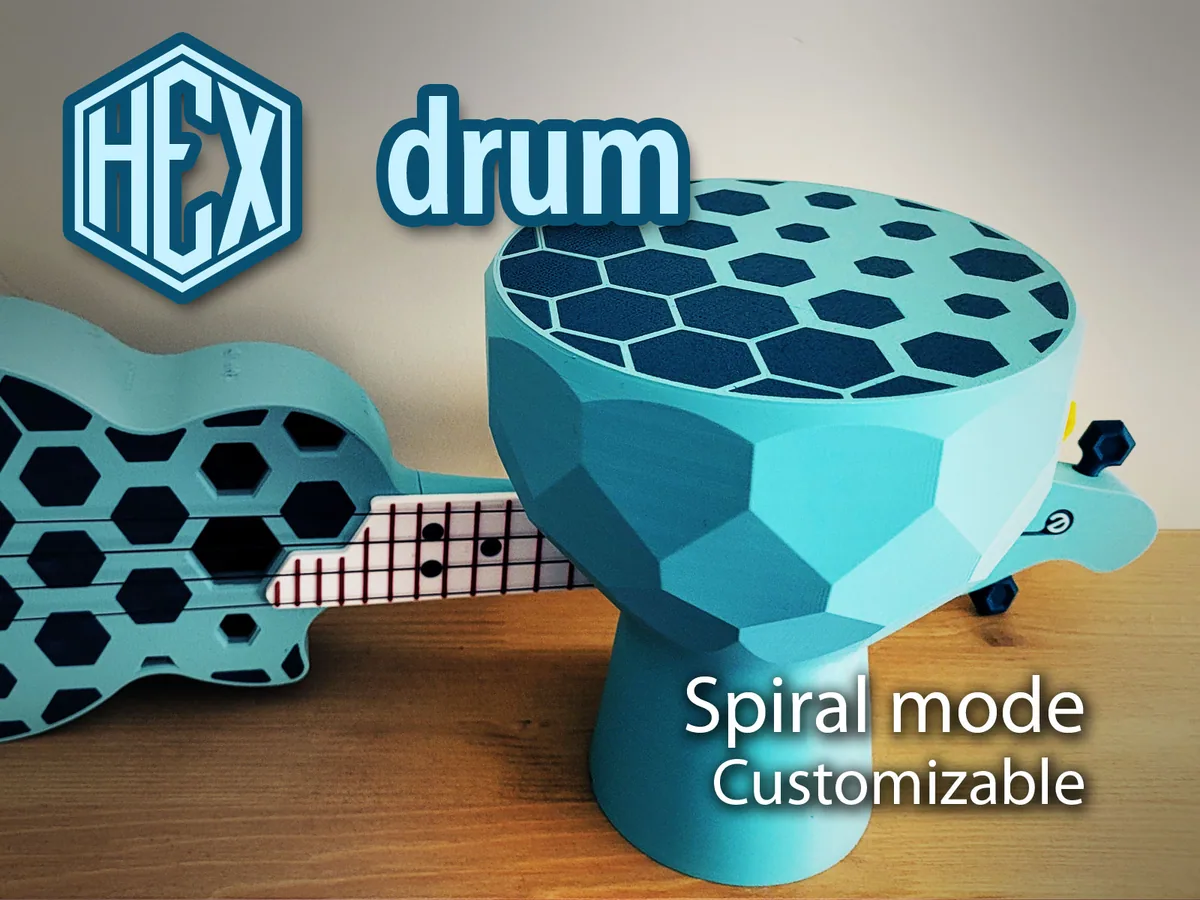
About the Hex drum
The designer noticed that the body of his Hex Ukulele (also in the library) sounded nice when tapped, so he made a drum with the same hexagon pattern. It's djembe-shaped and printed upside down. The drum's head is simply its bottom layers, so the number of bottom layers sets the membrane thickness.
For the two-colour look, slice the STL as two jobs. First the hexagons, then the body in vase (spiral) mode, with Z-lift at 0.4 mm to clear the hexagons and no supports. Print the hexagons first, then start the body straight away while the bed is still hot. If your printer runs mesh bed levelling at the start of every print, disable it for the second job, and watch the colour change for collisions. A non-spiral version gives thicker walls (0% infill, set perimeters, no top layers), and a multi-colour printer or a single colour also works.
The designer's videos cover the slicing and a sound test. He had some clogging and wasn't fully happy with his print, but says it sounds loud and low.
What you'll need
Printed parts
- Drum body
- Hexagon inlays (optional colour)
Bought parts
- Nothing
Tools
- Slicer with vase mode
Build overview
- Prepare the file. Open the STL, flip it 180° and split it into objects. Merge the hexagons into one.
- Slice the hexagons. Slice and export the hexagons on their own.
- Slice the body. Use vase mode, set the bottom layers (membrane) and perimeter width, Z-lift 0.4 mm and no supports, then export.
- Print. Print the hexagons, then run the body immediately with a second colour (no re-levelling).
Print settings
- Mode: Vase/spiral (or 0% infill and no top layers for thicker walls)
- Membrane: Number of bottom layers
- Z-lift: 0.4 mm
- Supports: None
Videos
 Play video: How to slice the hex drum (loads YouTube)
 Play video: Hex drum sound test (loads YouTube)
Nothing loads from YouTube until you press play. Video thumbnails are © their creators.
Photos
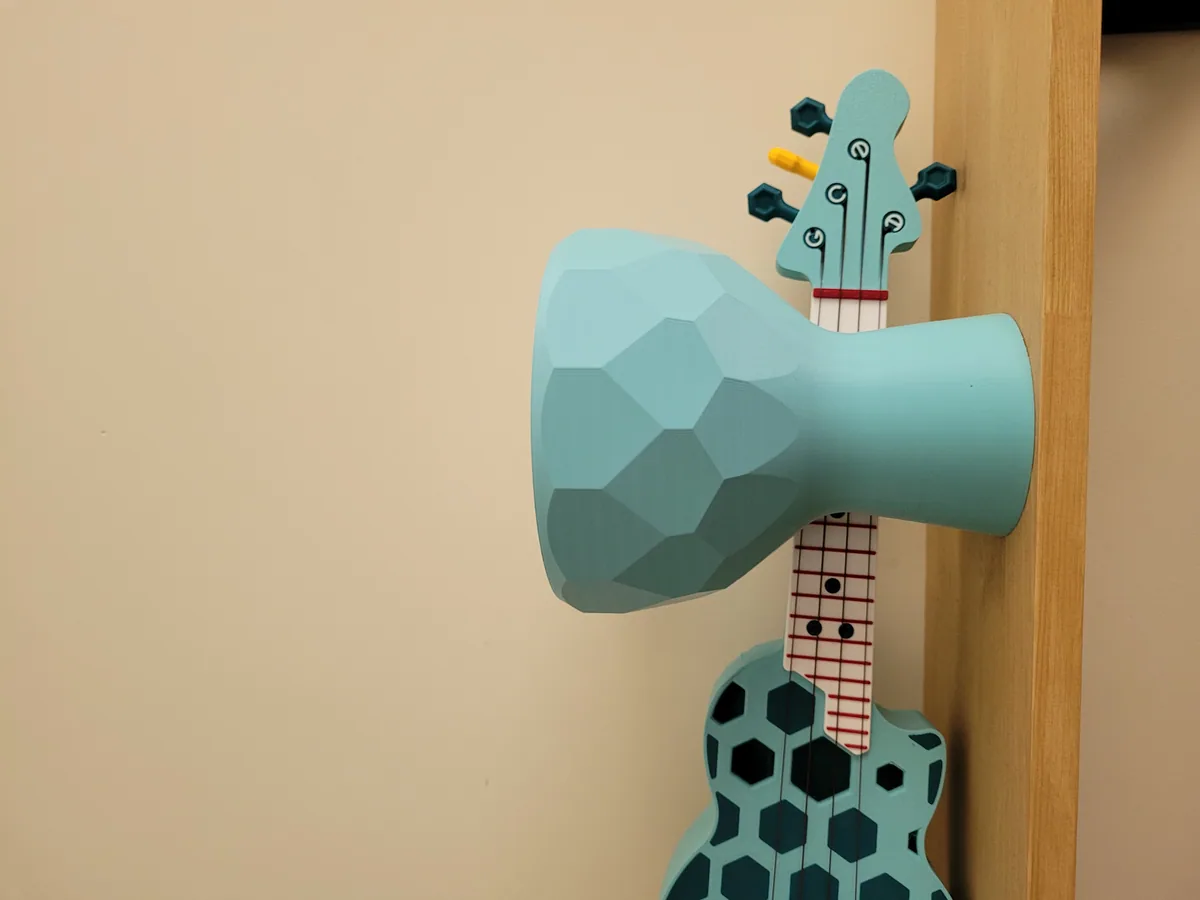
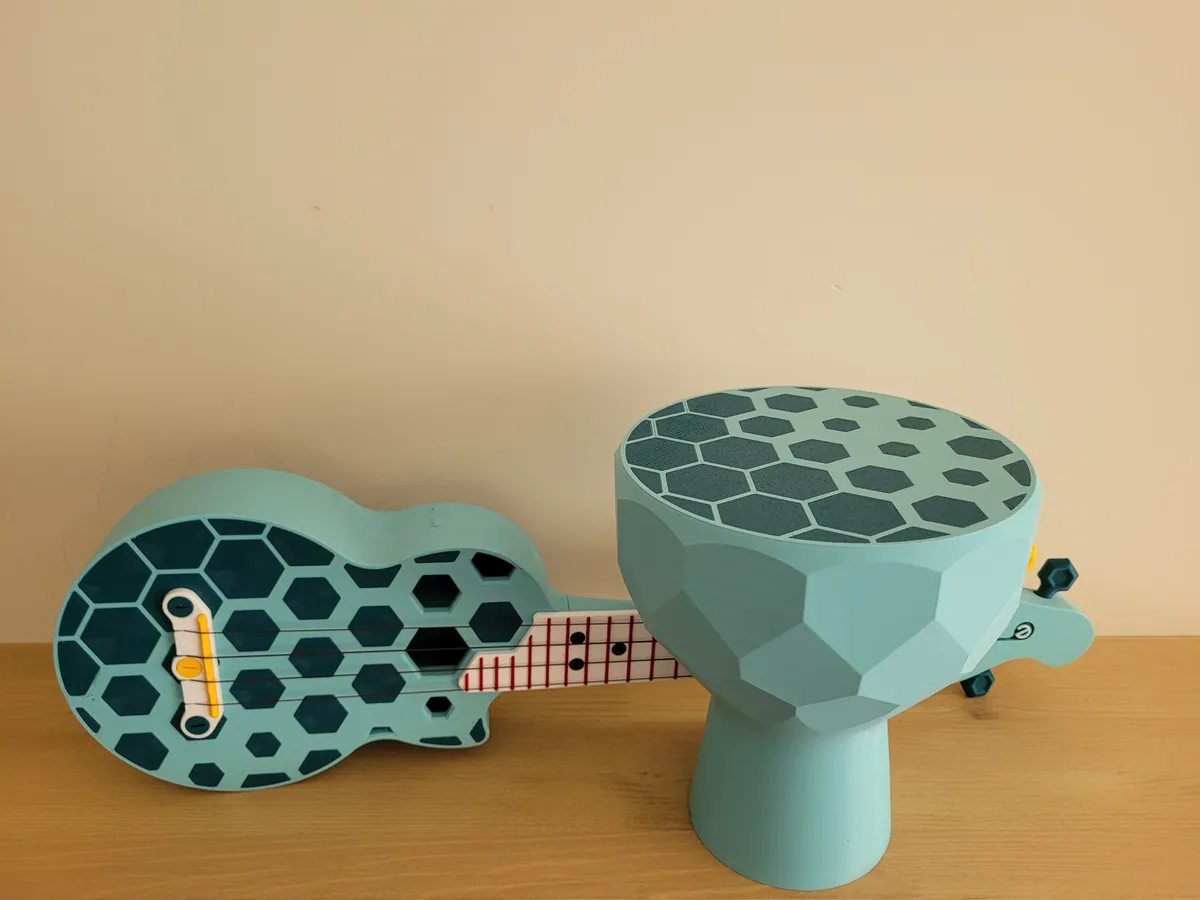
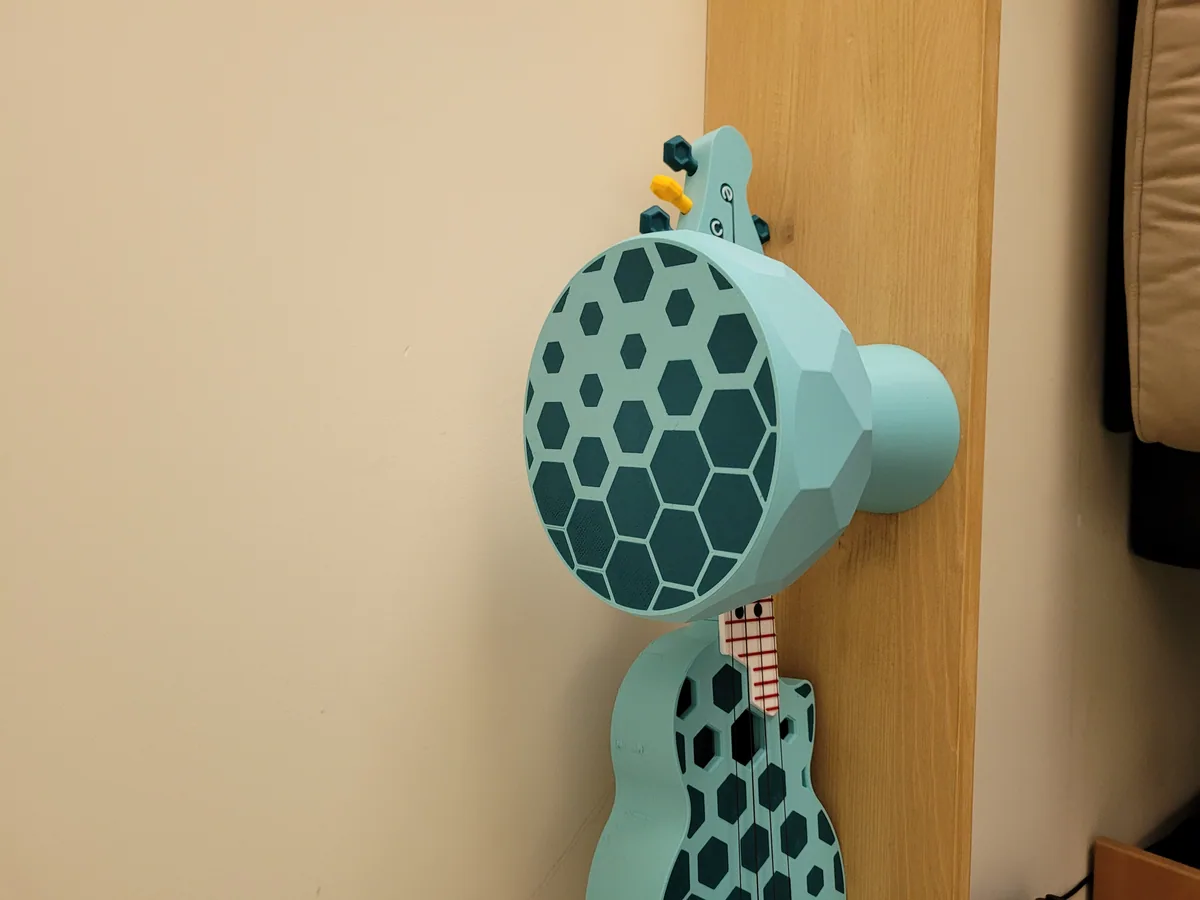
All photos: Tomek, from the design page on Printables, licensed CC BY-SA. We resized them and converted them to WebP. These adapted versions are shared under the same licence.