
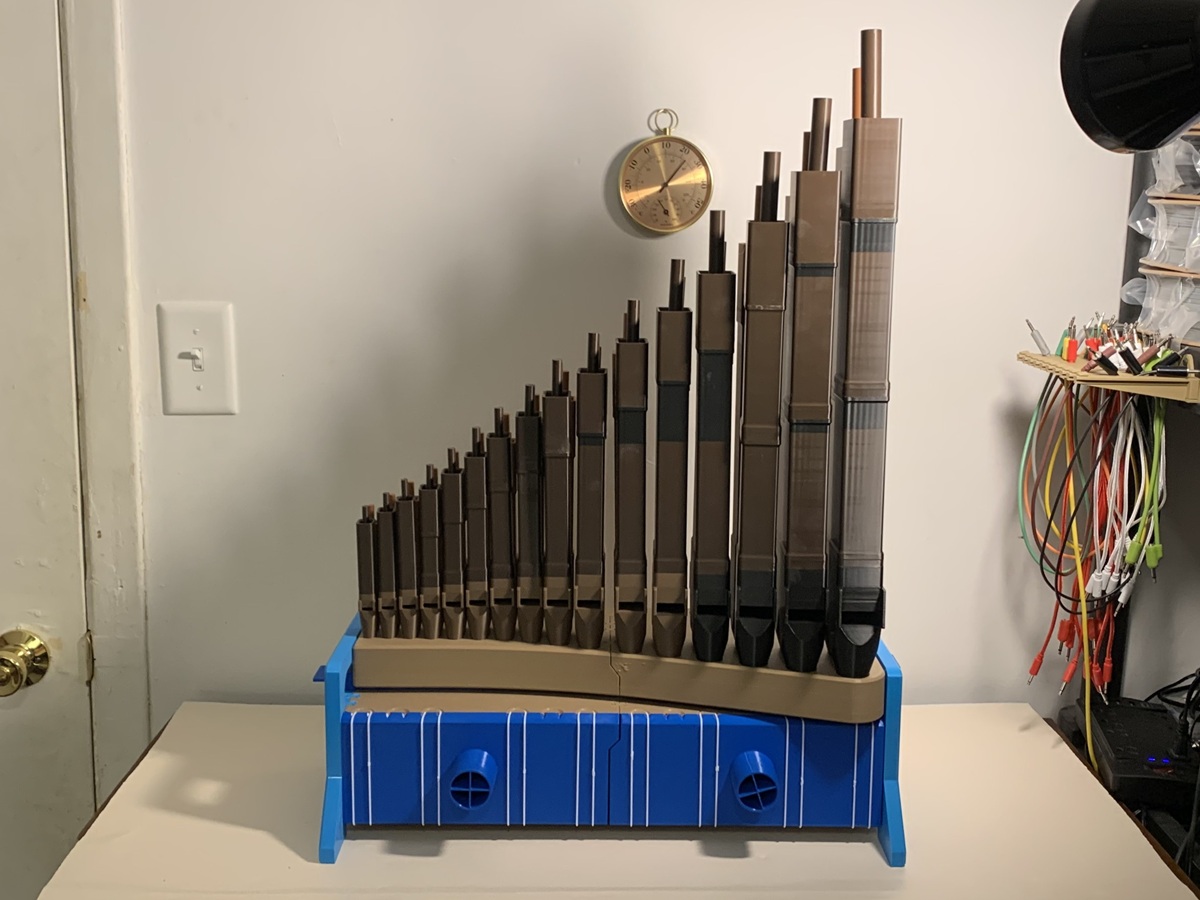
About the pipe organ
This is a real pipe organ, not a toy or a sample player. Air from a pump or blower fills a wind chest, and each key opens a small pallet valve that lets air into its pipe. It has two ranks of pipes: a stopped flute (the designer calls it Gedackt) at 2⅔′ and a string principal at 1⅓′. A stop action slides left and right to choose which ranks speak. Chrysibulum designed it as a full redesign of their earlier 32-note organ.
The keyboard runs from G3 to D6. Key width and height are standard, and only the depth is slightly shortened, so it feels like a real keyboard under your hands. The keyboard uses sticker action. It snaps together and can be taken apart again with needle-nose pliers. The reservoir closes with elastics or string against a foam seal. The designer says the whole organ leaks less air than a single pipe uses, and it can be carried fully assembled.
Who it's for. It suits patient makers who want a long, rewarding project, and organists or teachers curious about how pipes and wind actually work. Expect around 500 printed parts and a lot of print time, with careful gluing and fitting afterwards. Pipes from the old design will sit in the new toeboard and play, but the designer warns they fall out easily if knocked.
Sound. The designer has posted sound demos and is open about the results: the voicing isn't perfect yet, and the wind pressure in the demos isn't regulated. Watch the videos below and judge for yourself. We haven't built one ourselves, so treat this page as a summary of the designer's page and videos, not a review.
What you'll need
Printed parts
- The keyboard case, keys, sticker action, wind chest and stop action (204 parts)
- The stopped flute (Gedackt) rank: the back two rows of pipes (158 parts)
- The string principal rank: the front two rows of pipes (139 parts)
- Optional one-pipe-per-plate profiles if you only want to print a single pipe to try
Bought parts
- 32 compression springs, 0.5 × 6 × 20 mm, roughly 35 g/cm (0.2 lb/in) stiffness
- Foam weather-stripping tape, about 1 × 10 mm, adhesive on one side
- Felt tape, cut into 10 mm strips (or 2 mm-wide foam instead)
- 3 mm aluminium jewellery wire (3 mm steel or brass rod also works)
- Medium-viscosity superglue and baking soda
- Cork grease (or a similar semi-solid lubricant)
- 12 M4 × 8 mm button-head screws and 24 M4 × 4 mm grub screws, for the movable languids of the lower principal pipes
- 8 to 12 strong elastics for the back panel (a loop of welded TPU filament works too)
- A wind supply: the designer's separate foot-pump bellows, or a compatible electric blower box
- 1½″ (DN40) vinyl tubing to connect the wind supply
Tools
- A 3D printer and a lot of print time
- Flush cutters, a scalpel or hobby knife, and pointy tweezers
- A strong pick, 2 mm or narrower
- Needle-nose pliers, and a wooden or nylon mallet if the joints are stiff
- Optional: a sound-level meter or phone app to check loudness
Build overview
Our own outline, following the designer's video series. Written instructions are still in progress, so follow the videos and the MakerWorld page for the details.
- Print the parts. Print the keyboard profile and both pipe profiles. Bambu Studio projects are provided, and STEP files are included for other slicers.
- Build the keyboard's static parts. Assemble the case, wind chest and end cheeks, and glue the hose ports into the back panels (part 1).
- Fit the moving parts. Install the keys, springs, stickers and pallet valves, then seal the wind chest with foam tape (part 2).
- Add the stop action. Fit the sliders that switch each rank on and off. Pulled is to the right, pushed is to the left (part 3).
- Assemble and voice the stopped flute pipes. Glue up the Gedackt pipes, then voice them one by one until each speaks cleanly (parts 4 and 5).
- Assemble and voice the principal pipes. Build the string principal rank, including the movable languids on the lower 12 pipes, and voice them (parts 6 and 7; part 8, on principal voicing, is still being edited).
- Connect the wind and play. Hook up a foot pump or blower with 1½″ tubing, set a gentle wind pressure and tune up.
Print settings
- Profiles: Bambu Studio projects for the keyboard and each rank of pipes, plus one-pipe-per-plate versions
- Other slicers: STEP files for every part, in three zip files
- Plates and time: About 26 plates and roughly 210 hours of printing in total
- Filament: not stated in the description; check the settings in each profile
Voicing and wind pressure
Voicing is the slow, careful part of any pipe organ, and the designer gives it two full videos. Each pipe is adjusted by hand, with a scalpel and patience, until it speaks quickly and with the right tone.
- Movable languids. The lower 12 principal pipes have a movable languid held by small screws, so you can adjust how the air hits the upper lip. The designer says it leaks a little air, which makes an airy sound, but it's needed for the air to reach the lip correctly.
- Start with the biggest pipe. The largest principal pipe (G5) is the designer's pick for learning how voicing works.
- Keep the pressure gentle. The designer recommends 35 to 50 mm (1½ to 2″) of wind pressure for home or studio use. At about 65 mm in a small treated room, big chords went past 90 dBA at the player's ear.
- Protect your hearing. The sound is narrow-band, so it can be harder on your ears than other noise at the same level. Check the loudness near your head with a meter or phone app. Never blow into the pipes as hard as you can: healthy lungs can reach over 1,000 mm of pressure, far more than the pipes are made for.
- Pitch. Historical pitches (A415, A392 or A466) are possible, but every keytop has to be removed and refitted.
Summarised from the designer's MakerWorld description and videos.
Videos
 Play video: Part 1: the keyboard's static parts (loads YouTube)
 Play video: Part 2: the keyboard's moving parts (loads YouTube)
 Play video: Part 3: the stop action (loads YouTube)
 Play video: Part 4: assembling the stopped flute (Gedackt) pipes (loads YouTube)
 Play video: Part 5: voicing the stopped flute pipes (loads YouTube)
 Play video: Part 6: principal voicing explained (loads YouTube)
 Play video: Part 7: assembling the principal pipes (loads YouTube)
 Play video: Sound demo: the stopped flute pipes (loads YouTube)
Nothing loads from YouTube until you press play. Video thumbnails are © their creators.
Photos
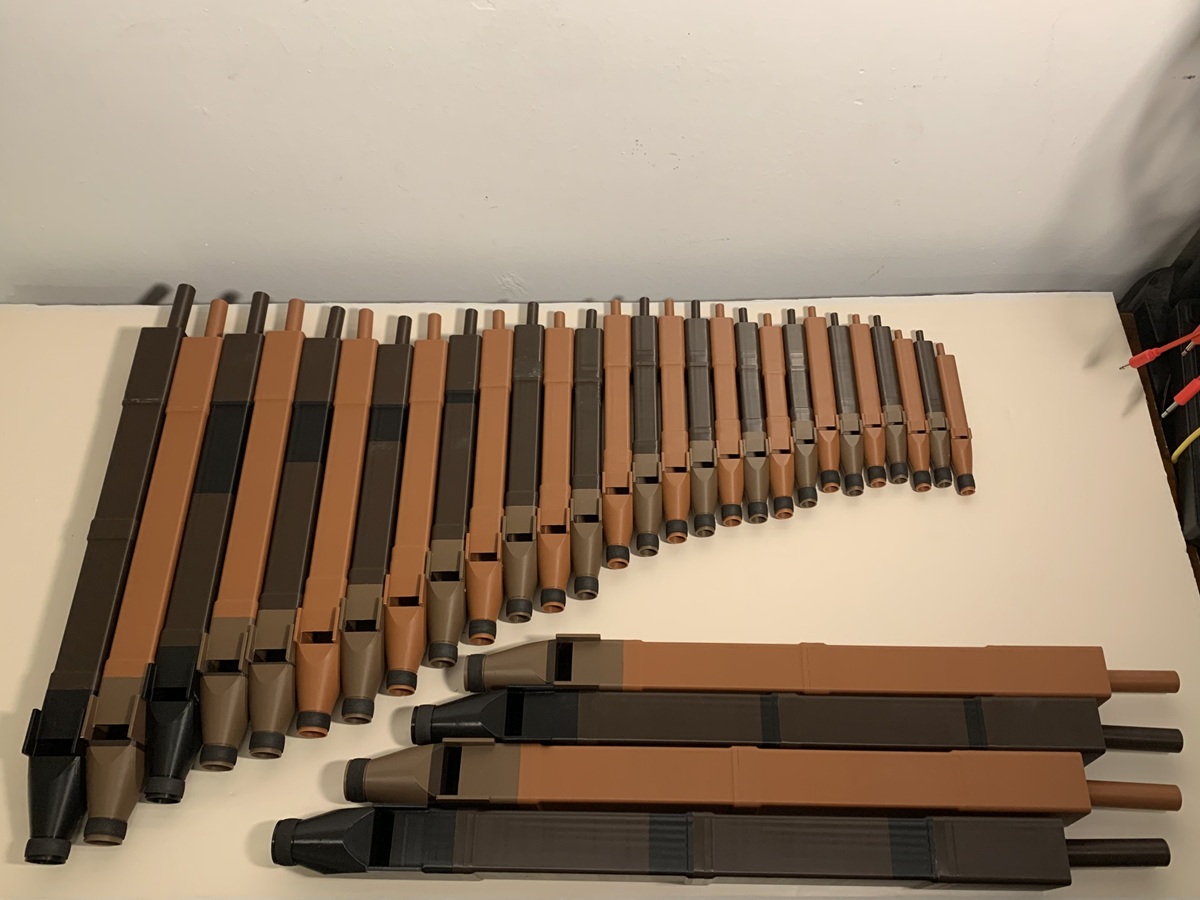
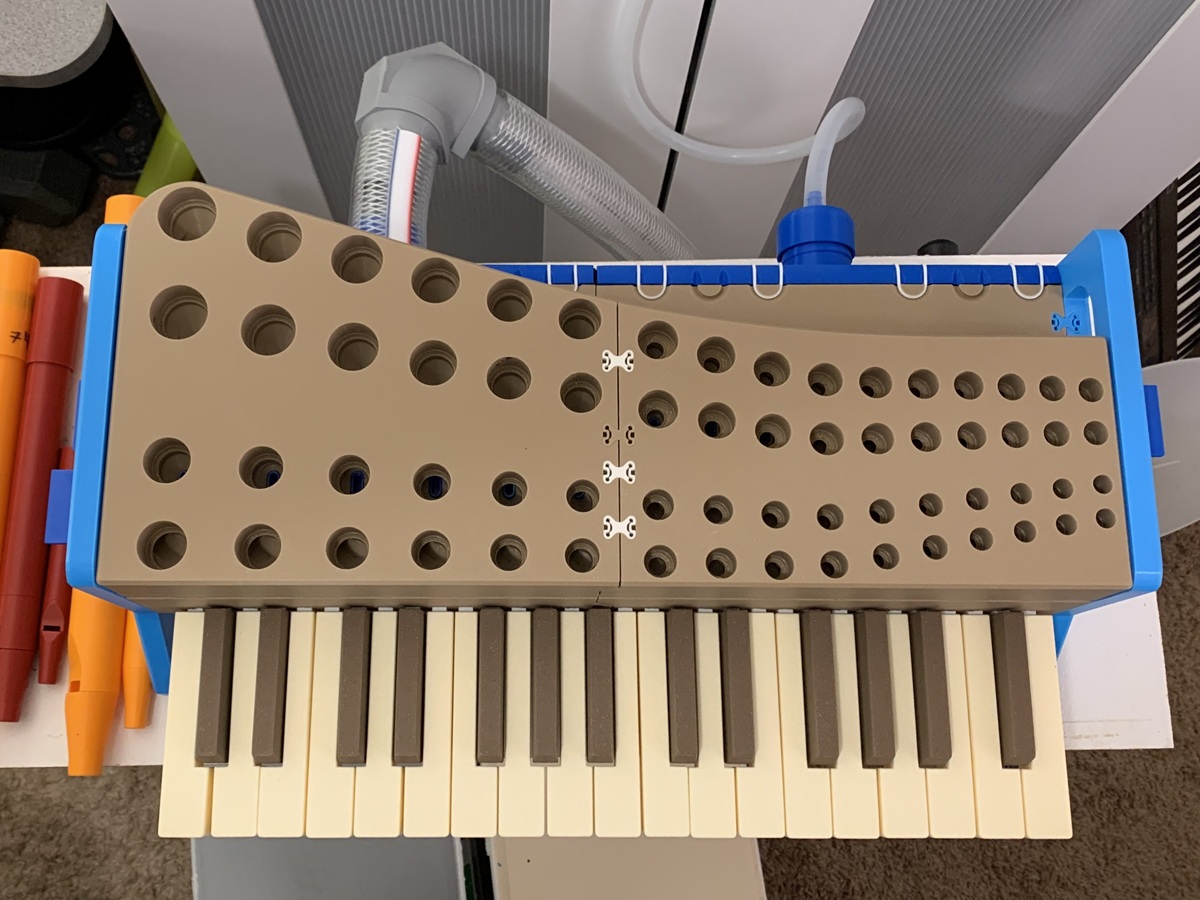
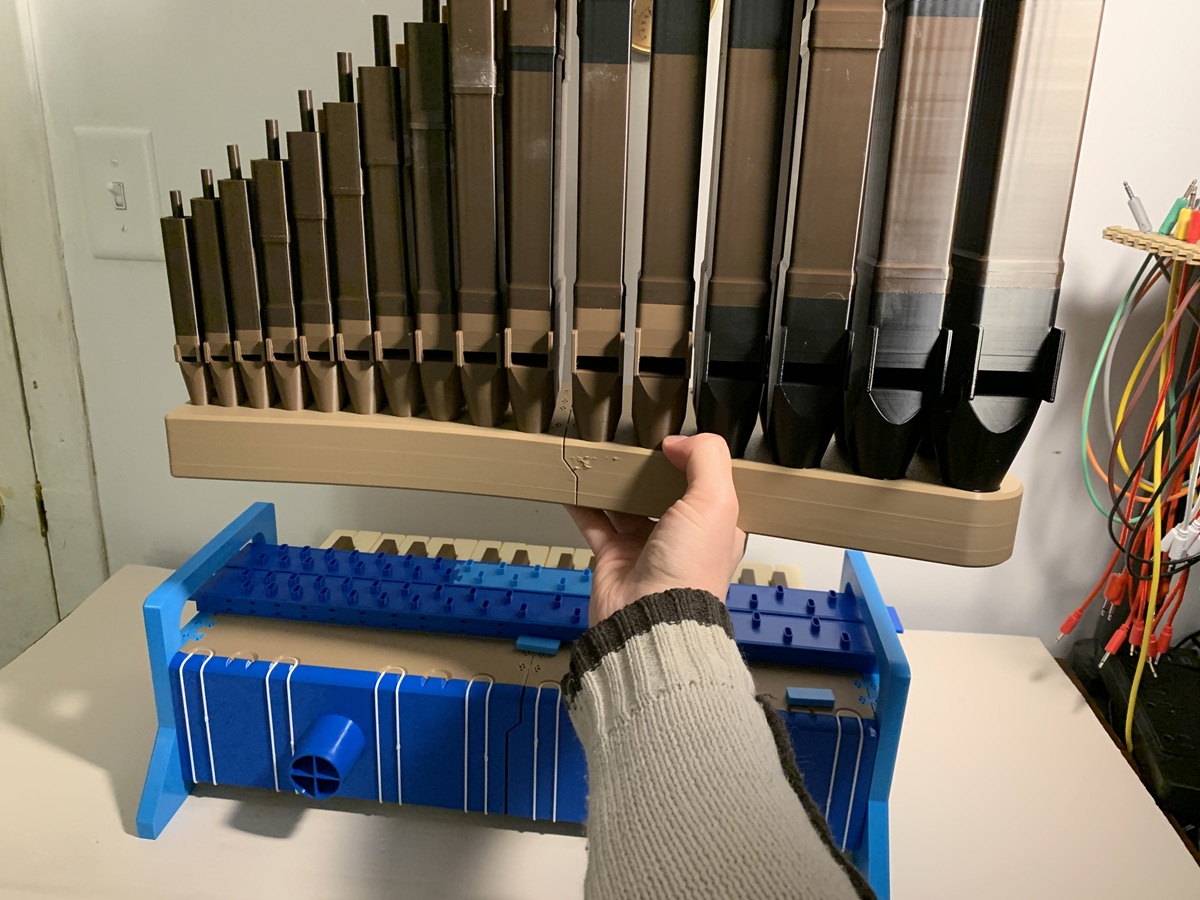
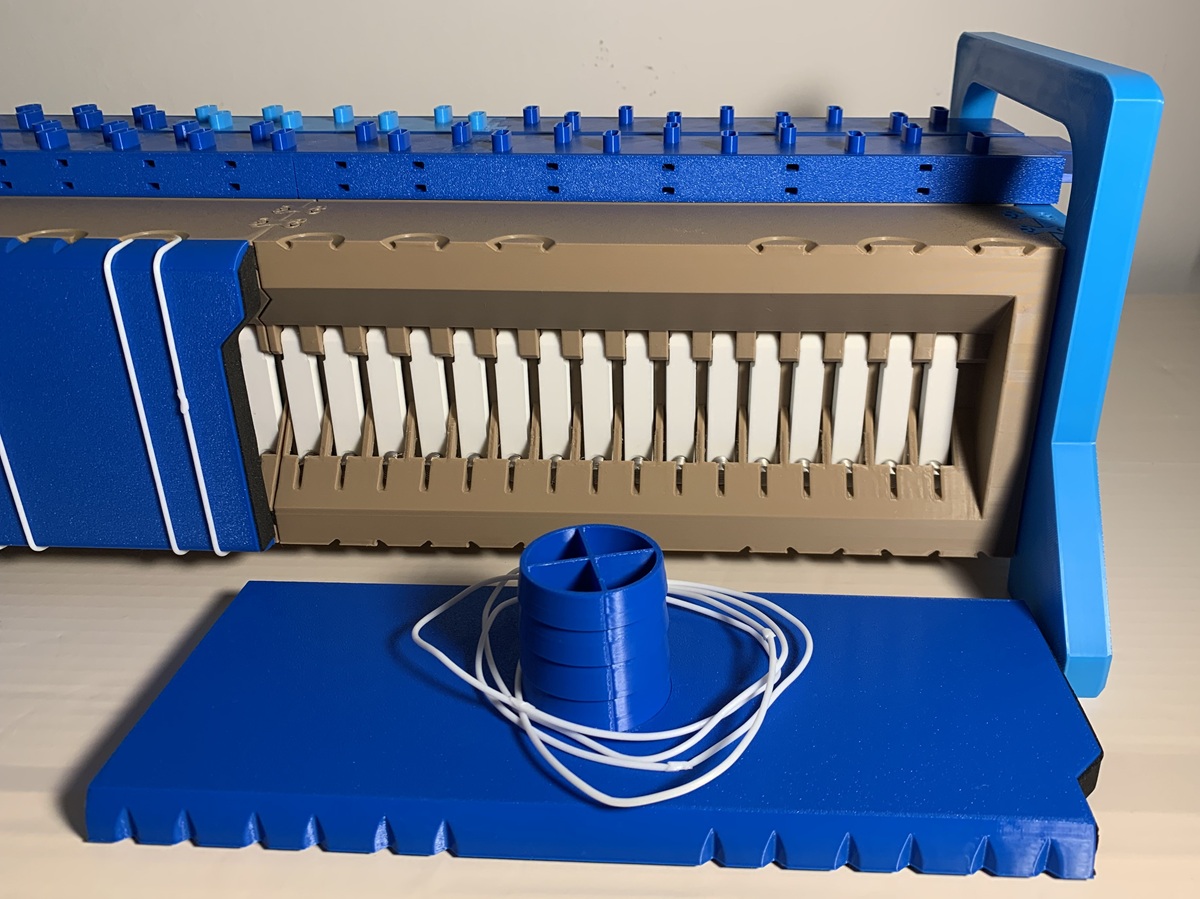
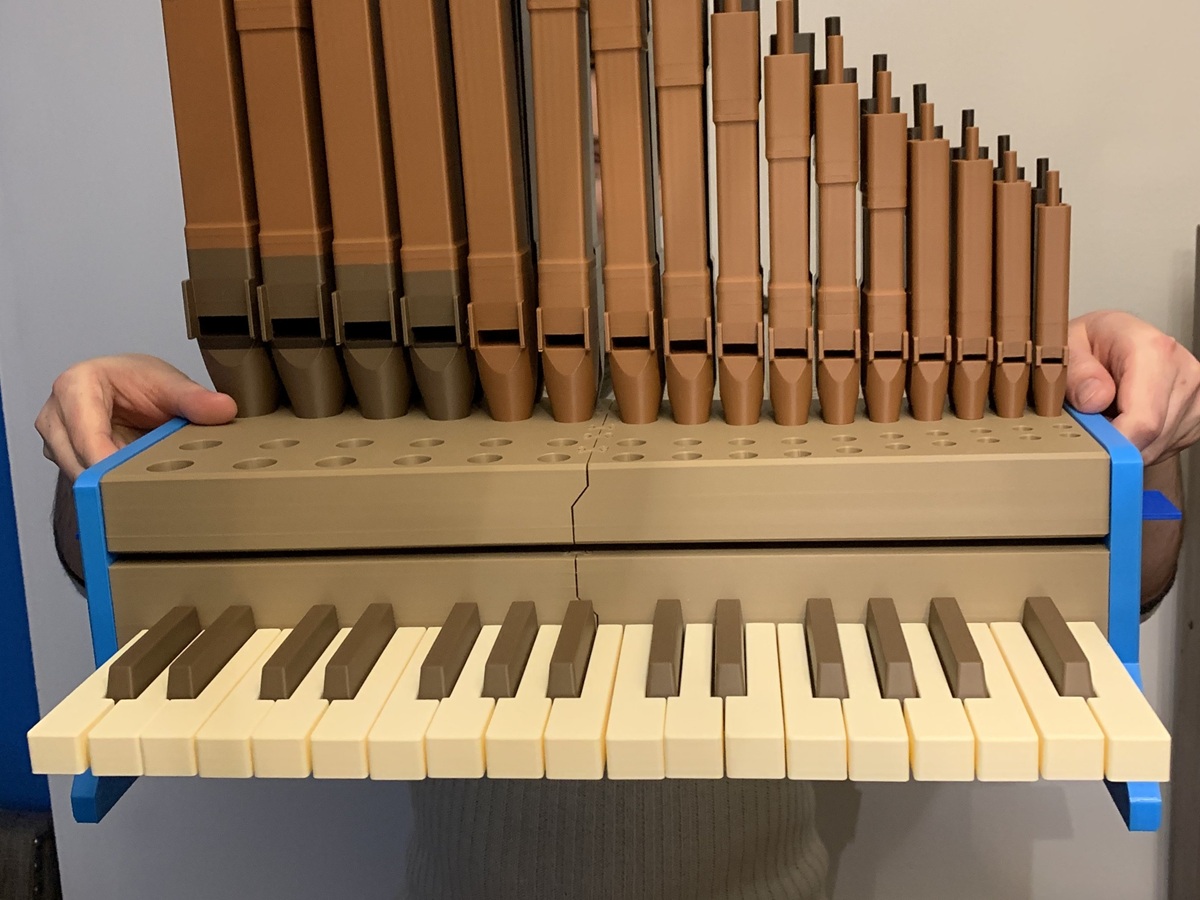
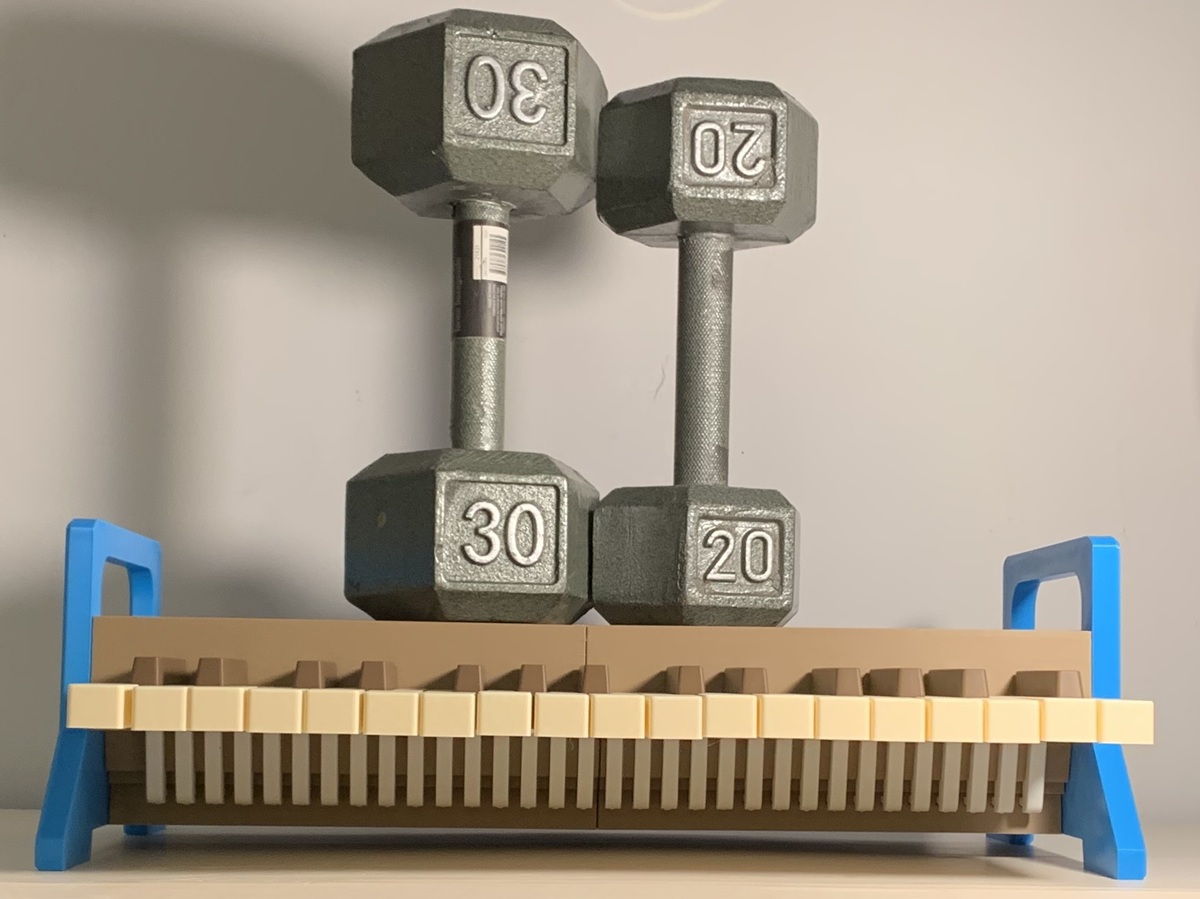
All photos: Chrysibulum, from the design page on MakerWorld, licensed CC BY-NC-ND. They are shown exactly as published, not edited or cropped.